Aspect Ratio
Resolution

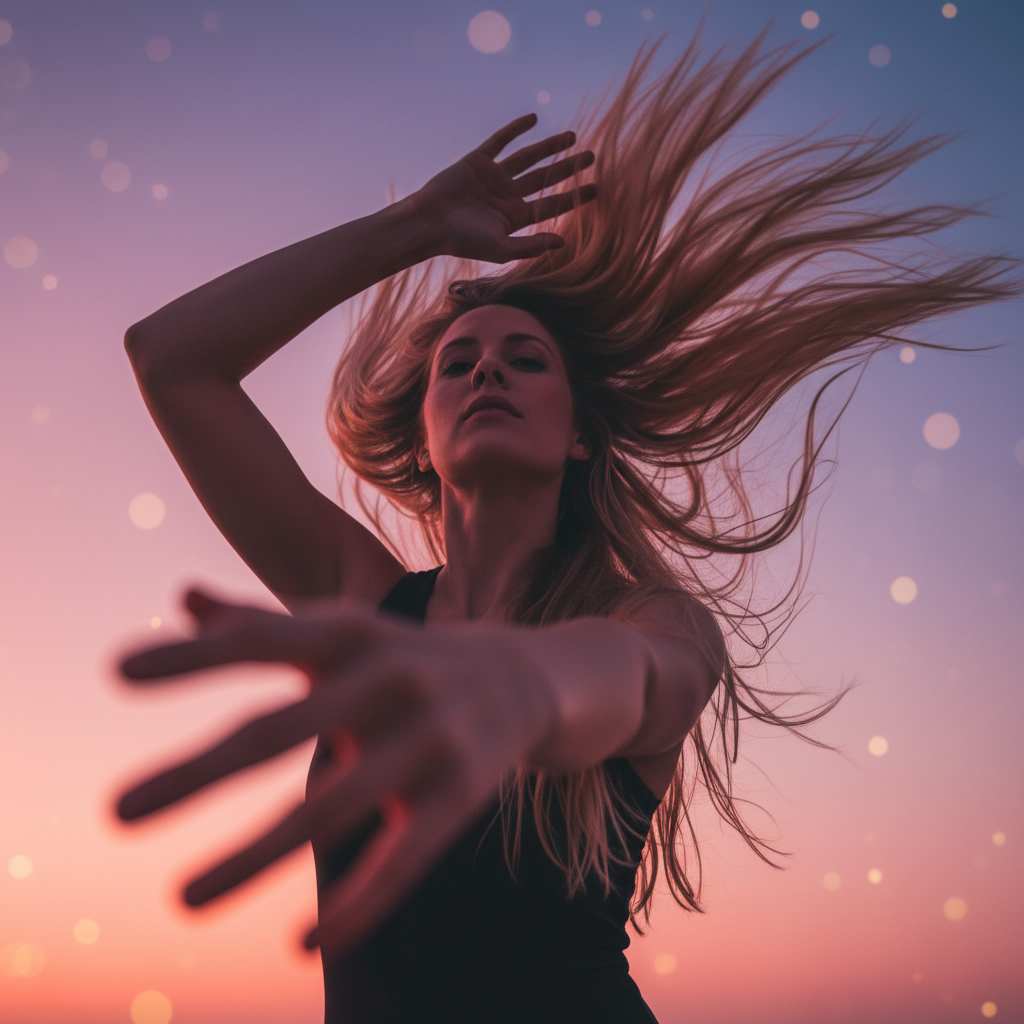

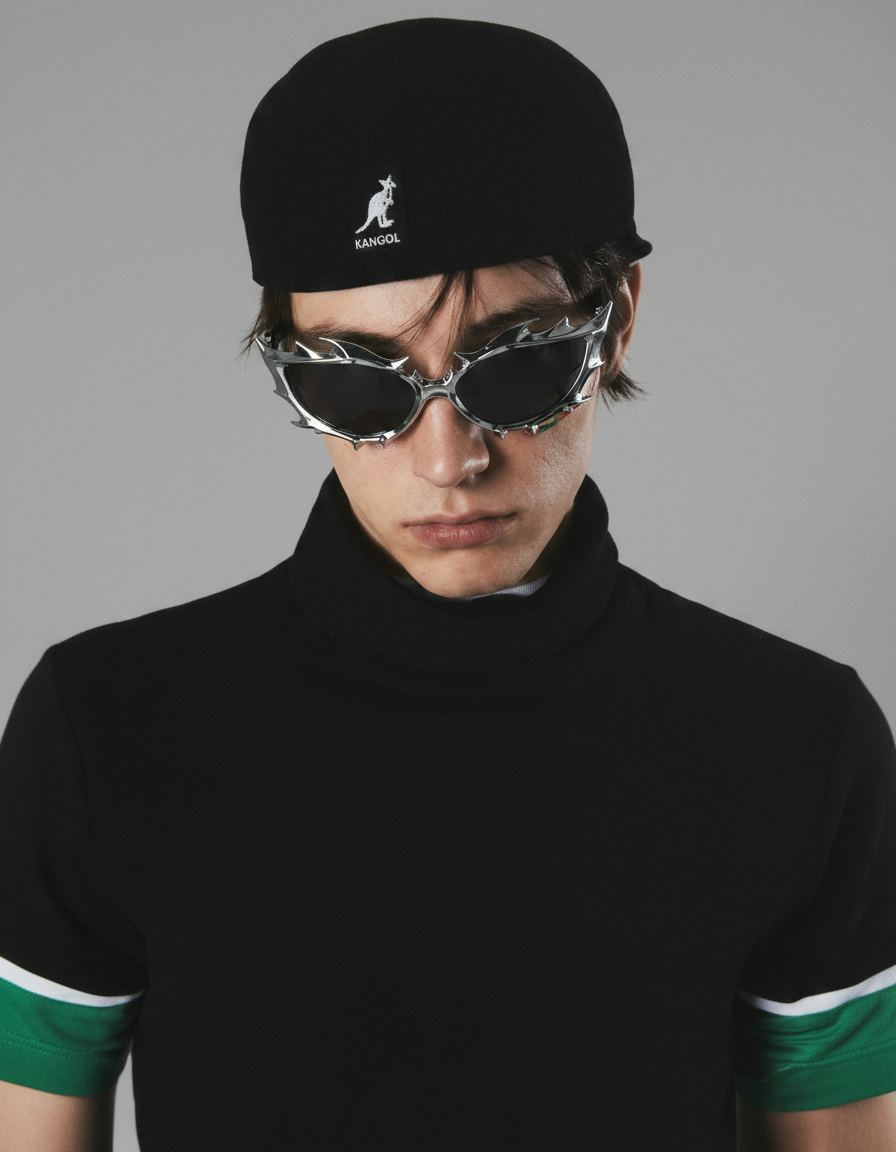
GPT Image 2.5 is OpenAI's image generation and editing model, available here in your browser with no setup. Feed it a text prompt or up to six reference images, and GPT Image 2.5 returns polished results at up to 4K, with faces and products staying recognisable across new settings and styles.
GPT Image 2.5 comes in two variants you can switch between in the generator. GPT Image 2.5 Flare is the everyday pick — fast, high-quality generation and editing. GPT Image 2.5 Sunburst trades speed for control, taking longer per image where editing precision matters most.
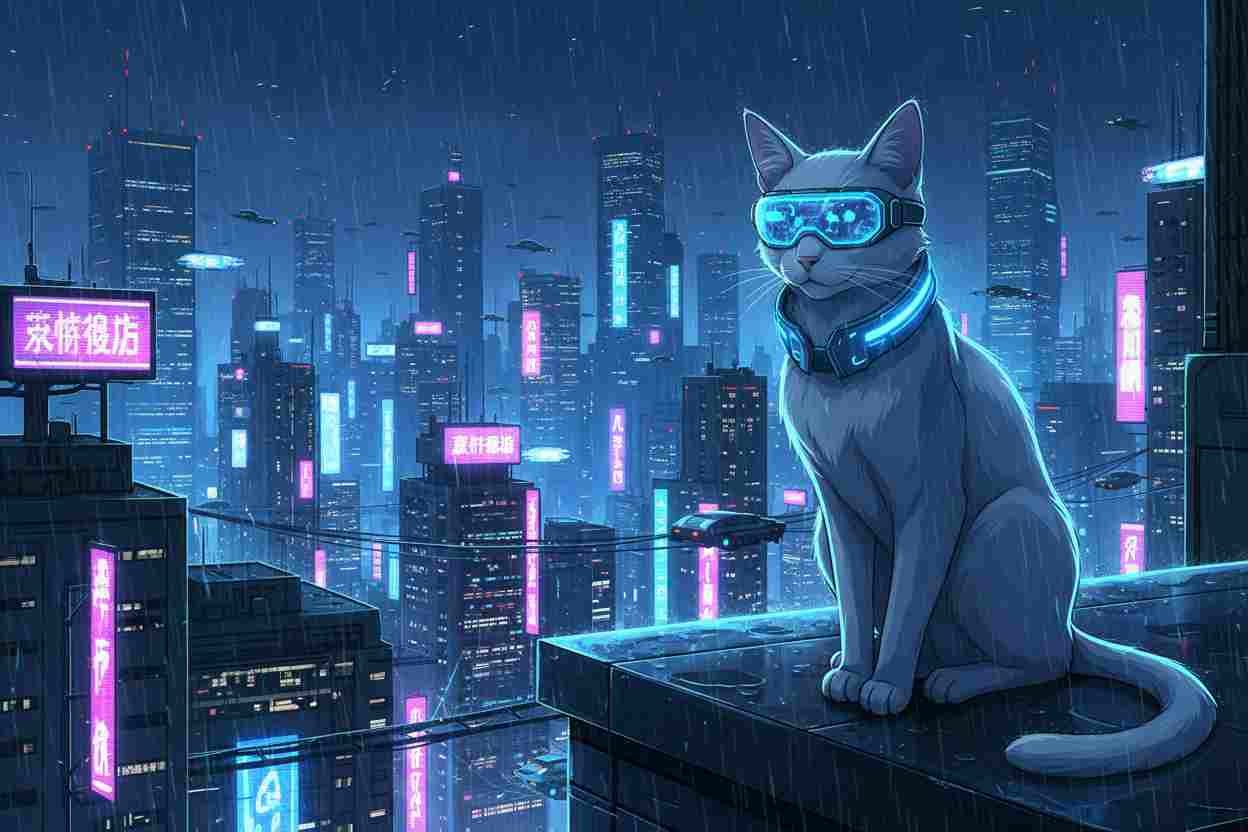
Marketing graphics, social posts, product shots, concept art — GPT Image 2.5 handles the whole loop, not just the first render. Edits hold across rounds, so an earlier change survives the next one and you can keep refining the same image. Enter a prompt and start creating with GPT Image 2.5 online.

Ask for one change and you get one change. GPT Image 2.5 rewrites a line of copy, swaps a background, or replaces a single product while the subject, composition, and brand treatment around it stay as they were, so there is no rebuilding the whole frame just to fix a detail. That reliability holds across rounds too: an edit you made three prompts ago is far more likely to survive the next one, which means you can keep refining the same image instead of starting over. You can try gpt image 2.5 free here before committing to a longer project, and the editing behavior is identical whichever variant you pick.

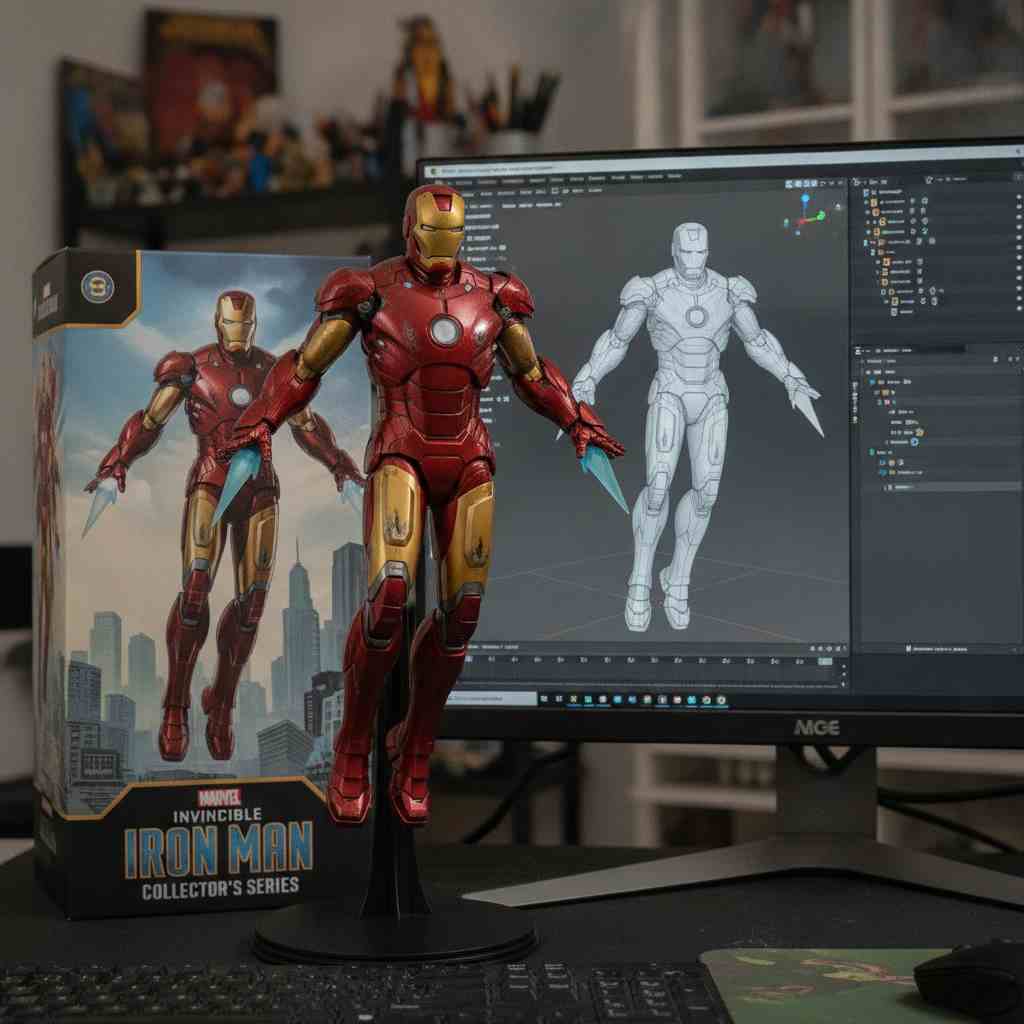
Upload a person, a product, or a piece of packaging and GPT Image 2.5 keeps it recognizable. Distinguishing features survive the move into a new setting, a different style, or a fresh camera angle, and the lighting on the subject stays natural rather than flattening into a cutout. This is the clearest gain in the new gpt image release: earlier models drifted after a couple of variations, while GPT Image 2.5 stays measurably closer to the original subject. Feed it up to six reference images at once and it holds the whole set together, which is what makes consistent product catalogs and repeatable character art practical.

Detail is where GPT Image 2.5 pulls ahead: finer texture in fabric and skin, more natural falloff in lighting, and fewer of the plastic highlights that gave older renders away. Output runs at 1K, 2K, or 4K, and five quality levels, from low up to the new xhigh and max settings, let you spend more compute only on the frames that need it. The same engine behind chatgpt images 2.5 is available here directly, so a 4K asset is one prompt away rather than an upscale pass. For print, large-format display, or anything a viewer will zoom into, GPT Image 2.5 at max quality is the setting to reach for.

Everyday work does not need the slowest setting. GPT Image 2.5 Flare cuts generation latency by up to half compared with the previous generation while holding quality steady, and that changes how you work: you iterate on a prompt in real time instead of queueing renders and coming back later. Sunburst is there when a frame has to be exact and you are willing to wait for it, so chat gpt 2.5 covers both the quick pass and the final one. Switch between the two in the generator without leaving the page, and GPT Image 2.5 keeps the same aspect ratios, resolutions, and editing controls either way.


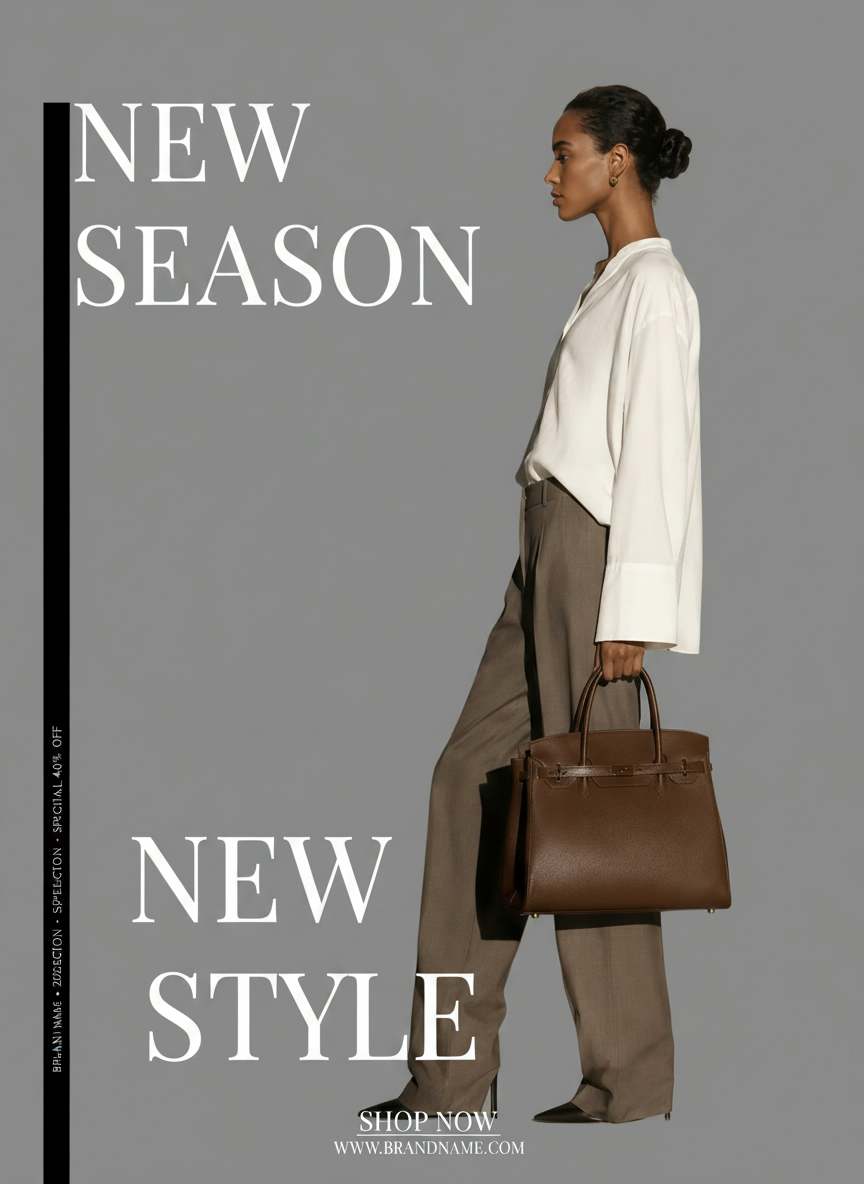
Selling on Amazon, Shopify, eBay, or Etsy? Our GPT Image 2.5 turns a single product photo into a complete set of professional visuals—clean white backgrounds, immersive lifestyle scenes, and multi-angle views—saving you time and costly photoshoot expenses.

Produce eye-catching content for Instagram, TikTok, Facebook, X, and beyond—no design team needed. Use our GPT Image 2.5 to craft digital ads, promotional banners, and blog thumbnails that grab attention, boost engagement, and drive conversions.

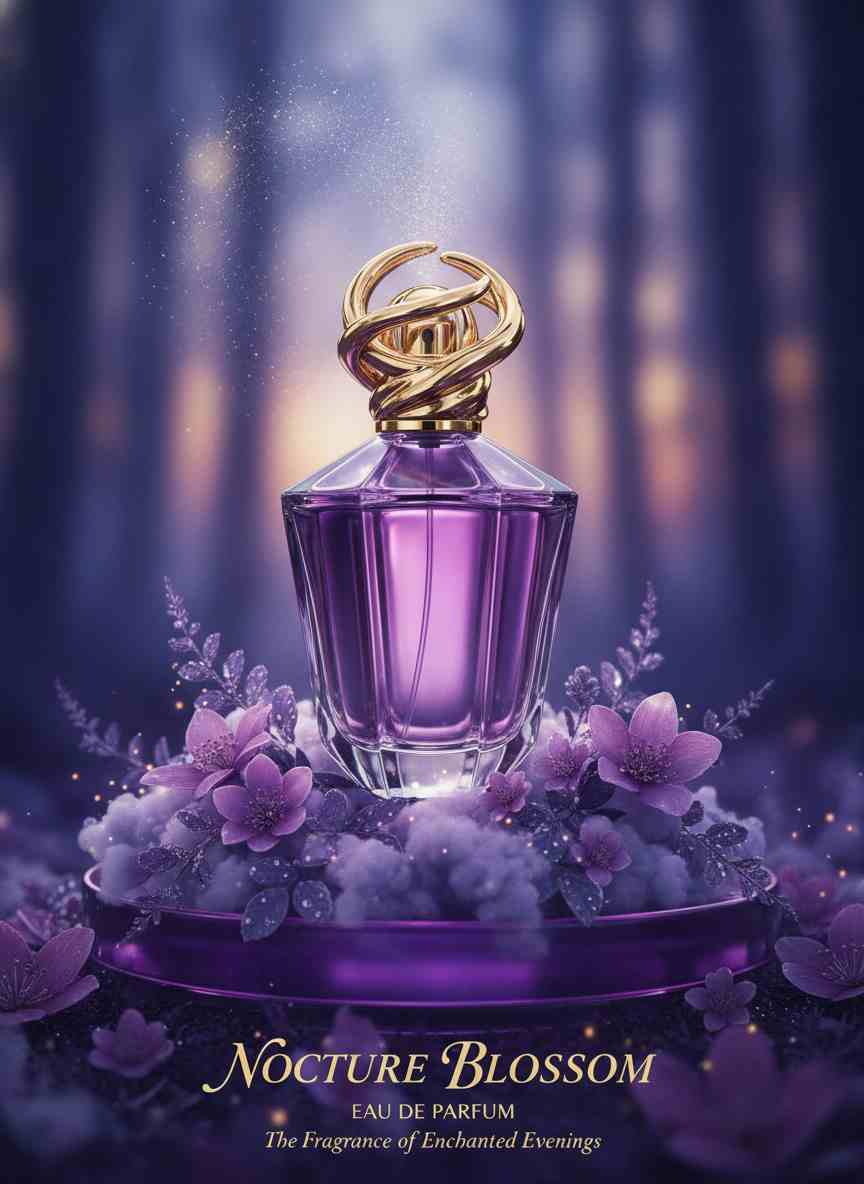
From logos and mascots to color schemes and typography, our GPT Image 2.5 helps you craft a unified visual identity. Apply your brand style across every asset to maintain a consistent, professional look at any scale.

Produce character sheets, storyboard panels, and scene illustrations with visual coherence. Ideal for webtoons, manga, novel art, and short drama production—our GPT Image 2.5 helps you build complete visual narratives from concept to finish.

Use our GPT Image 2.5 to create game-ready character portraits, avatar skins, weapon sprites, and environment concept art. Quickly iterate on designs, generate multi-pose references, and produce polished assets for any game—no 3D modeling skills required.

| AI Model | Credits | Pros | Cons | Best For |
|---|---|---|---|---|
 Nano Banana 2.1 Nano Banana 2.1 | 15+ | Sharper 4K, better prompt adherence, lower cost | Higher resolutions take longer to generate | Product shots, text-heavy posters, multi-reference edits |
| Nano Banana 2 | 15+ | Fast, high quality, up to 4K | Small faces and fine details can slip | Posters, mockups, ultra-wide banners |
| Nano Banana | 15+ | Consistent edits, legible text, 4K | Long text, fine details still imperfect | Conversational edits, mockups, infographics |
 GPT Image 2.5 GPT Image 2.5 | 15+ | Precise edits, 4K photorealism | Text placement still imperfect | Product shots, brand edits |
| GPT Image 2 | 15+ | Strong prompt & text | Cost scales with resolution | Text-heavy, detailed images |
 Grok Imagine Image 2 Grok Imagine Image 2 | 20 | Sharp text, precise multi-image edits | No resolution control, only 5 aspect ratios | Infographics, posters, reference-based edits |
 Flux.1 Schnell Flux.1 Schnell | 3 | Fastest, cheapest | Lower detail | Quick drafts, ideation |
| Flux Kontext Pro | 40 | Text-guided editing | Needs input image | Edits, style transfer |
| Flux.2 Pro | 45 | Top Flux 2 quality | Cost scales with pixels | Premium production |
| Flux1.1 Pro | 40 | Faster, sharper | Premium cost | High-res production |
| Flux.1 Dev | 25 | Balanced quality/cost | Slower than Schnell | General-purpose images |
| Flux1.1 Pro Ultra | 60 | Up to 4MP, ultra detail | Most expensive v1 | Print, large formats |
 Seedream 5.0 Seedream 5.0 | 28+ | Deep reasoning, 4K, interactive edits | Fine text still imperfect | Infographics, posters, ad visuals |
| Seedream 4.0 | 30 | 4K, bilingual text | Newer, less known | Multilingual designs |
 Wan Image 2.7 Wan Image 2.7 | 24+ | Text rendering, multi-image edits, 4K on Pro | 4K is Pro text-to-image only, edits capped at 2K | Product shots, brand visuals, multi-reference edits |
Marcus
“I run a small furniture shop and reshooting a sofa in three room settings used to mean hiring a photographer. GPT Image 2.5 does it from one photo, and the sofa itself comes back identical while only the room changes. I tried the same thing on chat gpt 2.5 in the app and got the same fidelity. GPT Image 2.5 saved me around $400 on my last catalog, so GPT Image 2.5 is the whole workflow now.,,
Priya
“Our posters change dates every month, and rewriting the headline used to mean rebuilding the layout. With GPT Image 2.5 I upload last month's poster, ask for the new date, and everything else stays put: same fonts, same spacing. GPT Image 2.5 got it right first try on four posters in a row. The chat gpt image flow is simple enough that our intern runs it, and GPT Image 2.5 costs less than one design revision.,,
Tom
“I print A2 pieces for market stalls, so anything soft at full size is unusable. GPT Image 2.5 at 4K and max quality holds up when I zoom to 100%, which the older model did not. Fabric texture and skin tones read as real rather than plastic. I ran gpt-image-2.5 against two other generators on one prompt, and GPT Image 2.5 was the only output I sent straight to the printer. GPT Image 2.5 is worth the extra credits at that size.,,
Elena
“Keeping one character consistent across panels was always the hard part. I feed GPT Image 2.5 three reference sheets and she comes back recognizable in a new outfit, a new setting, even a different camera angle. GPT Image 2.5 held her face across 30 panels last week with about two retries. Moving to gpt-image 2.5 cut my panel time roughly in half, and GPT Image 2.5 handles the backgrounds too.,,
Wesley
“The two variants matter more than I expected. I draft on GPT Image 2.5 Flare because it returns fast enough to keep iterating, then switch to Sunburst for the one frame a client signs off on. GPT Image 2.5 keeps the same controls either way, so nothing needs setting up again between passes. I get through roughly 40 drafts an afternoon on GPT Image 2.5 now, against a dozen before.,,
Nadia
“What sold me was the fifth edit not undoing the second. I build carousels and each slide takes four or five passes: new background, then a logo, then a color tweak. GPT Image 2.5 keeps the earlier changes intact instead of quietly resetting them. GPT Image 2.5 turned a two-hour carousel into about twenty minutes, and GPT Image 2.5 has not lost a slide on me yet.,,
GPT Image 2.5 is OpenAI's image generation and editing model, released in September 2026. It comes in two variants you can switch between here: GPT Image 2.5 Flare for fast everyday work, and Sunburst for precision editing where accuracy matters more than speed. GPT Image 2.5 works from a text prompt or up to six reference images and outputs at 1K, 2K, or 4K.
You describe what you want, optionally attach reference images, and GPT Image 2.5 returns the result in your browser with nothing to install. For edits, name only the element you want changed and GPT Image 2.5 keeps the subject, composition, and surrounding detail as they were, with earlier changes surviving later rounds. Aspect ratio, resolution, and quality level are all set before you generate, so GPT Image 2.5 spends credits only at the level of detail you asked for.
Yes, GPT Image 2.5 is designed for all skill levels. GPT Image 2.5 features a simple interface that allows beginners to create professional visuals without experience, while GPT Image 2.5 also provides advanced options for experienced users.
GPT Image 2.5 can be used for various commercial purposes, such as marketing, design, and content creation. GPT Image 2.5 helps businesses produce high-quality visuals efficiently, and GPT Image 2.5 supports scalable workflows for professional use.
Generate stunning AI images with GPT Image 2.5. Join thousands of creators and experience next-gen image generation today.
Try it now